We’ve upgraded our booking platform
FAQ’s
How do I get set up in the new system (Walla)?
Welcome emails were sent out from automation@hellowalla.com on March 17 and 18, 2026. Click the link and set up your new password. Then go to our website and log in to view your account details.
What if I can’t find the welcome email?
Check your spam folder. Still don’t see? Click here and reset your password or stop by the studio and we’ll get you all set up with your new account.
Will all of my info transfer?
Yes. All of your visit history, past purchases, active packages and memberships, and account balances will transfer to Walla. If you notice anything missing, please let us know.
Will my credit card info transfer?
Yes.
How do I sign up for an in-person class?
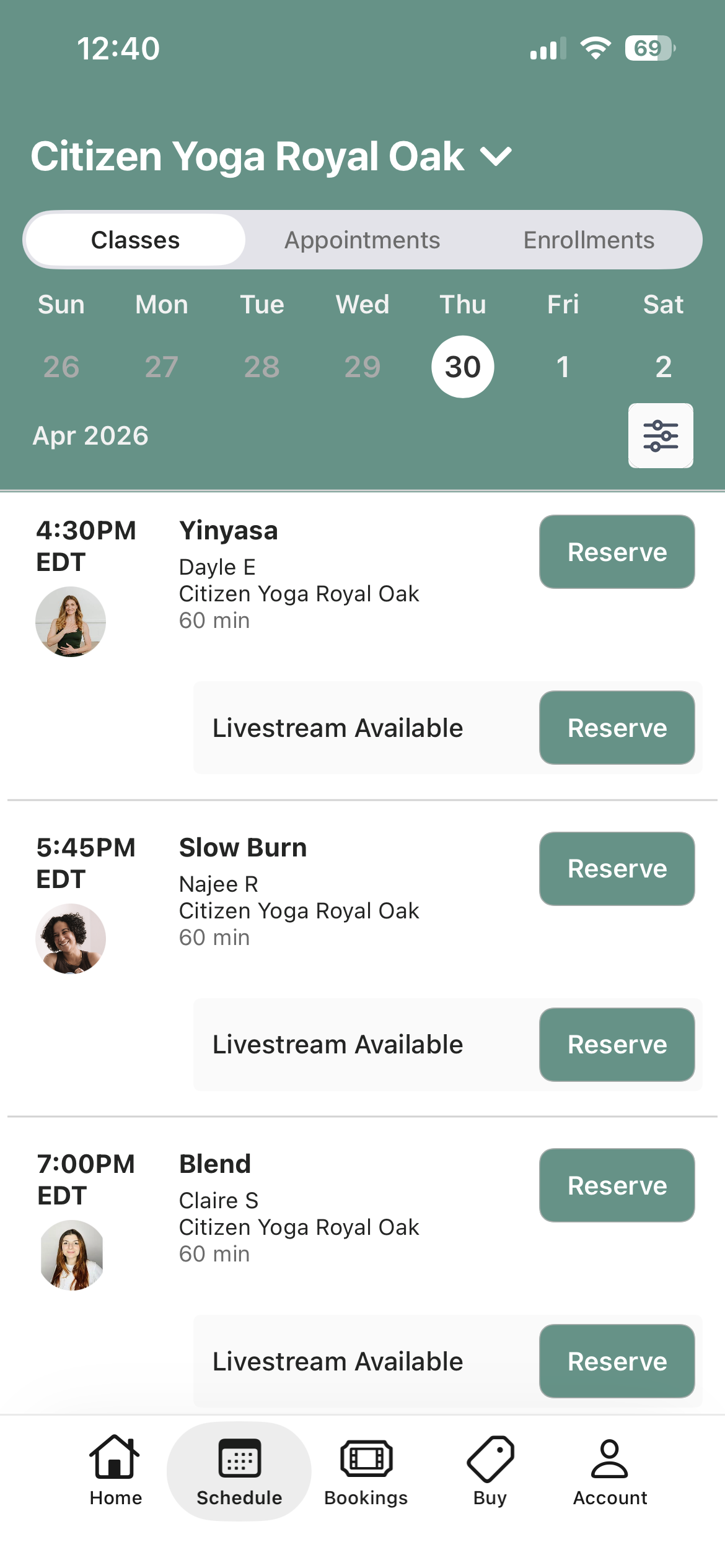
Sign up for an in-person class by visiting the Citizen website > Schedule or in the new Citizen app > Schedule
How do I sign up for a livestream / online class?
Livestream classes can be found under the class schedule where the live class is being held, on both the Citizen website and in the new Citizen app.
Do I still need the MindBody app?
No. You’ll enjoy a seamless experience for booking in-person and livestream classes through our website or the new Citizen Yoga app, which you can find in the App Store or Google Play. You can find app download shortcuts in the footer below.
Why do I have two Citizen Yoga apps?
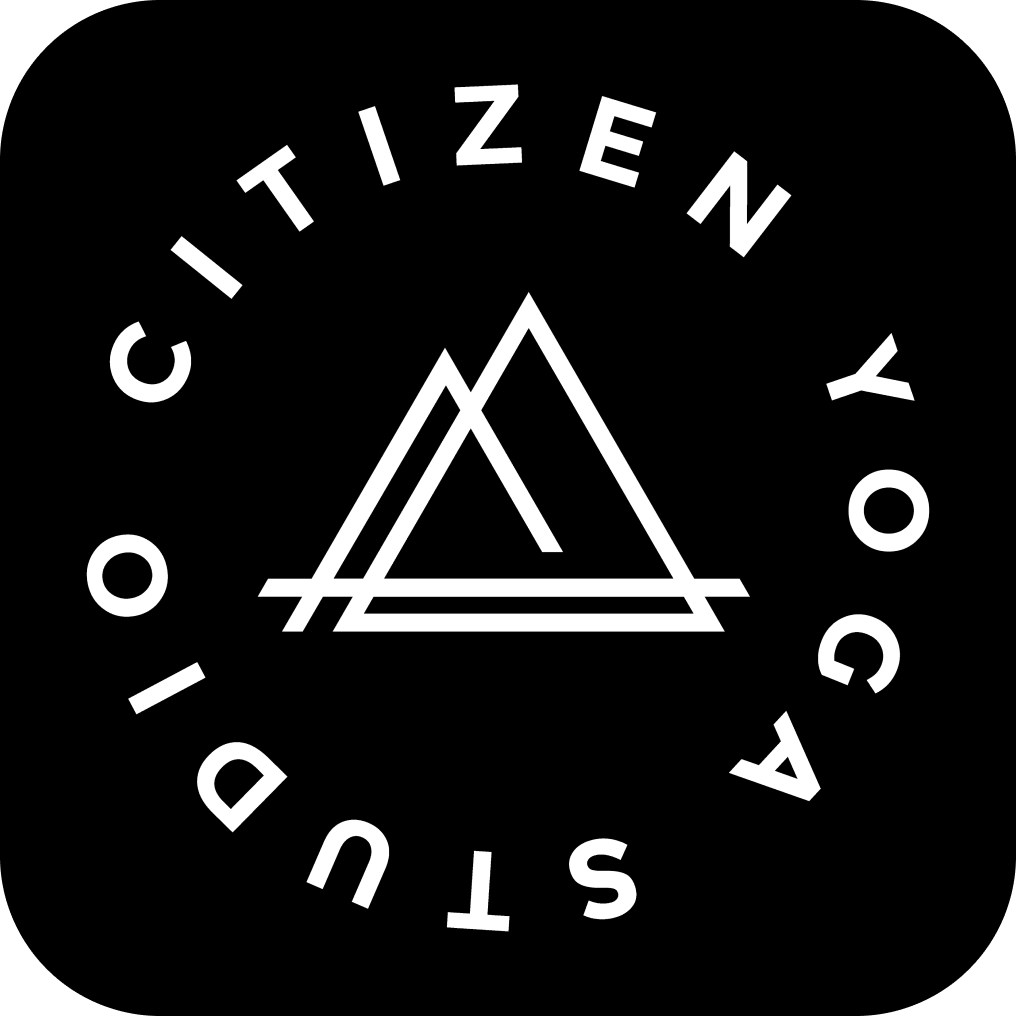
We still have an app called Citizen Yoga On-Demand for our streaming platform. The new booking app is a black icon (see below) and is where you will book classes, workshops or purchase packages.